Website Security Updates: What to Do When a Stranger Emails You About Your Site
Got an email from a stranger about your site's security? Here is how to verify it and handle website security updates without panic.
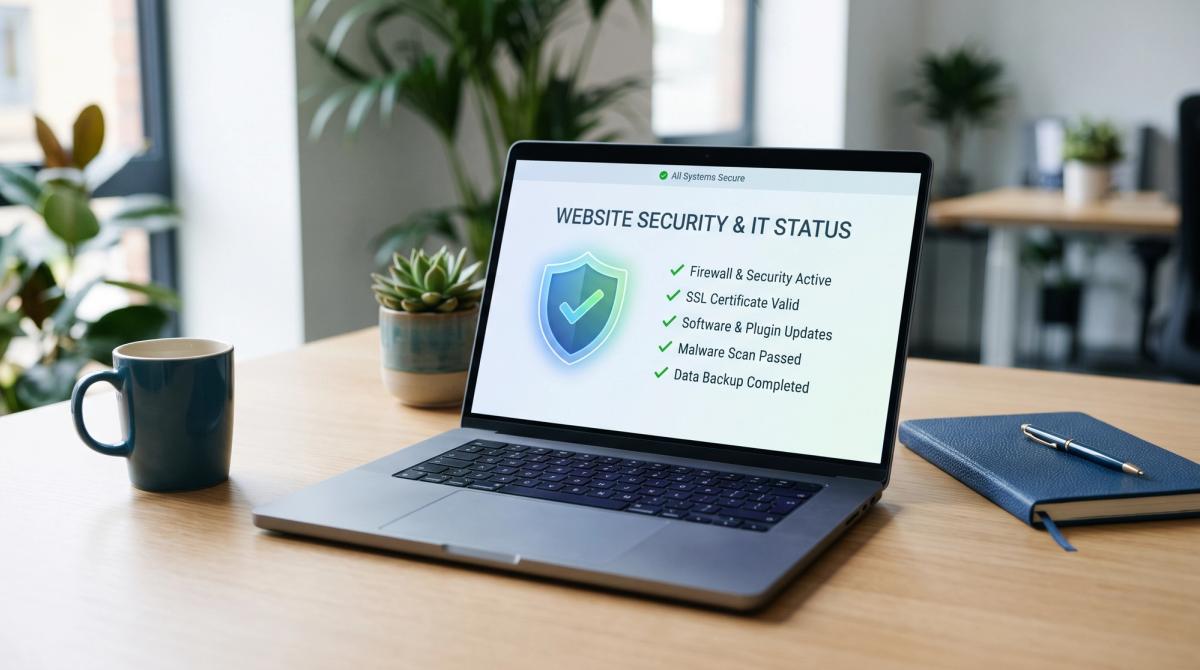
An email from someone you have never met, saying your website has a security problem, is a bad way to start a morning. The right response is a calm, well-ordered set of website security updates, not a rushed reply or payment. This is the process we would walk any business owner through.
We are not telling you a story about one specific email. We are laying out what to do, in order, because the first hour after one of these messages matters more than most owners realize.
Is an Email About Your Website Security Real or a Scam?
Both happen. Some of these emails come from independent researchers who found a real exposure and want you to know. Others are sales pitches dressed up as warnings, and a smaller group are phishing attempts designed to get you to click a link or hand over a login.
The tells are usually in the details. A real report names a specific URL, a specific file or page, and what the sender saw. A scam is vague, uses urgency, and asks you to log in somewhere, download an attachment, or pay before they will explain the problem.
Treat the message as unverified either way. Do not click links in it, do not open attachments, and do not reply with any account information. You can answer later, once you have checked the claim yourself.
How to Verify a Website Security Report Safely
Start from your own side. Open your site in a browser by typing the address yourself, not through the email. Look for the specific page or file the sender named and see whether it exists and what it shows.
Then check who controls your site. Log in to your hosting account, your domain registrar, and your website platform directly, using bookmarks or typed addresses. Look for logins you do not recognize, new admin users, or changes you did not make.
If the sender cites a technical issue, such as an exposed file or an outdated plugin, forward the email to whoever built or maintains your site. If nobody does, that is a finding in itself, and we come back to it below.
Which Website Security Updates Should You Do First?
Whether the email was accurate or not, it is a free prompt to run a basic check. These are the website security updates worth doing first, in this order:
- Change passwords for your hosting, domain registrar, website admin, and email, and use a password manager so each one is unique.
- Turn on two-factor authentication everywhere it is offered, starting with email and hosting.
- Remove admin users and old accounts that no longer belong to a current employee or vendor.
- Update your website platform, themes, plugins, and any libraries to current versions.
- Delete plugins, test pages, and old files you no longer use, since unused code must still be kept secure.
- Confirm you have a recent backup and that someone has tested restoring it.
If you find signs that someone has already gotten in, such as unknown admin accounts or pages you did not create, stop making cosmetic changes. Contact your host, restore from a clean backup, and bring in someone who does this work before you change anything else.
Who Is Responsible for Keeping Your Website Updated?
This is the question these emails tend to expose. Many small businesses launched a site years ago, and the person who built it moved on. The site still runs, so nobody is watching it, and updates pile up unapplied.
Updates are not optional polish. Software that powers websites is patched when vulnerabilities are found, and a site that skips those patches leaves itself open to problems already publicly known. Ownership matters as much as the patches themselves.
Decide who owns this. It can be an employee, a freelancer, or a consulting firm, but it needs a name, a schedule, and a brief written list of what will be checked. A monthly review beats a panicked fix every time.
How Your Website Setup Affects Security Maintenance
The more moving parts your site has, the more there is to maintain. A site built on a platform with many third-party plugins carries more update work than a lean one. Custom code has its own cost, because someone must keep it current. We cover that trade-off between custom software and off-the-shelf.
Neither choice is automatically safer. Off-the-shelf tools get patched by their vendors, but only if you apply the updates. Custom builds avoid some common attack targets, but they are only as secure as the person maintaining them.
If you are weighing who should handle this work, our piece on software consulting for small business covers building in-house, buying tools, and hiring out. If you need ongoing senior judgment without a full-time salary, a fractional CTO for small business is one option.
When Should You Hire Help With Website Security?
Handle the basics yourself: passwords, two-factor authentication, removing old users. Bring in help when you find evidence of a breach, when your site collects customer data or payments, or when no one on your team can tell you what your site runs on.
Be careful about who you hire in response to the email itself. If the sender offers to fix the problem for a fee, treat that as a sales pitch and evaluate it like any other vendor. Ask for references and a clear scope, and agree on a price before work starts.
An unsolicited security email is not a crisis, but it is a good reason to find out who actually owns your website.
Make Website Security Updates a Routine, Not a Reaction
The best outcome from a stranger's email is that it pushes you to build a habit. Put a monthly check on the calendar, assign an owner, and keep a record of what was updated and when.
If you are not sure where your site stands or who should handle website security updates, we are happy to review it with you. Book a free consultation at resilio-partners.com, and we will tell you plainly what needs attention and what does not.
Frequently asked questions
Should I reply to an email from a stranger about my website security?
Not until you have verified the claim yourself. Do not click links, open attachments, or share logins from the message. Check your site and accounts directly, then decide whether a reply is worth sending.
How can I tell if a website security email is a scam?
Scam emails tend to be vague, urgent, and ask you to log in, download something, or pay before explaining the problem. A real report names a specific page or file and describes what the sender saw. Even then, verify it on your own before acting.
What website security updates should I do first?
Start with passwords and two-factor authentication on your hosting, domain, website admin, and email accounts. Then remove old admin users, update your platform and plugins, delete unused code, and confirm you have a working backup.
Who is responsible for updating my website?
You are, unless you have assigned the job to someone else. That can be an employee, a freelancer, or a consulting firm, but it needs a named owner and a regular schedule so updates do not pile up.
When should I hire a professional for website security?
Hire help if you see signs of a breach, if your site handles customer data or payments, or if nobody on your team knows what your site runs on. Agree on scope and price before any work begins.
AI Transparency: This article was drafted with the assistance of AI and reviewed, edited, and shaped by the author’s own opinions and experience.